On this page
- What copyright and evidence mean in Australia
- Keep the project trail, not just the finished file
- Save your own starting material
- Keep a record of the tool’s part
- Show what you changed
- Preserve choices and the finished arrangement
- Write down who contributed what
- Keep the US guidance in its own context
- Give important versions a dated record
- A quick check before you share
- Make your contribution easier to explain
- Sources
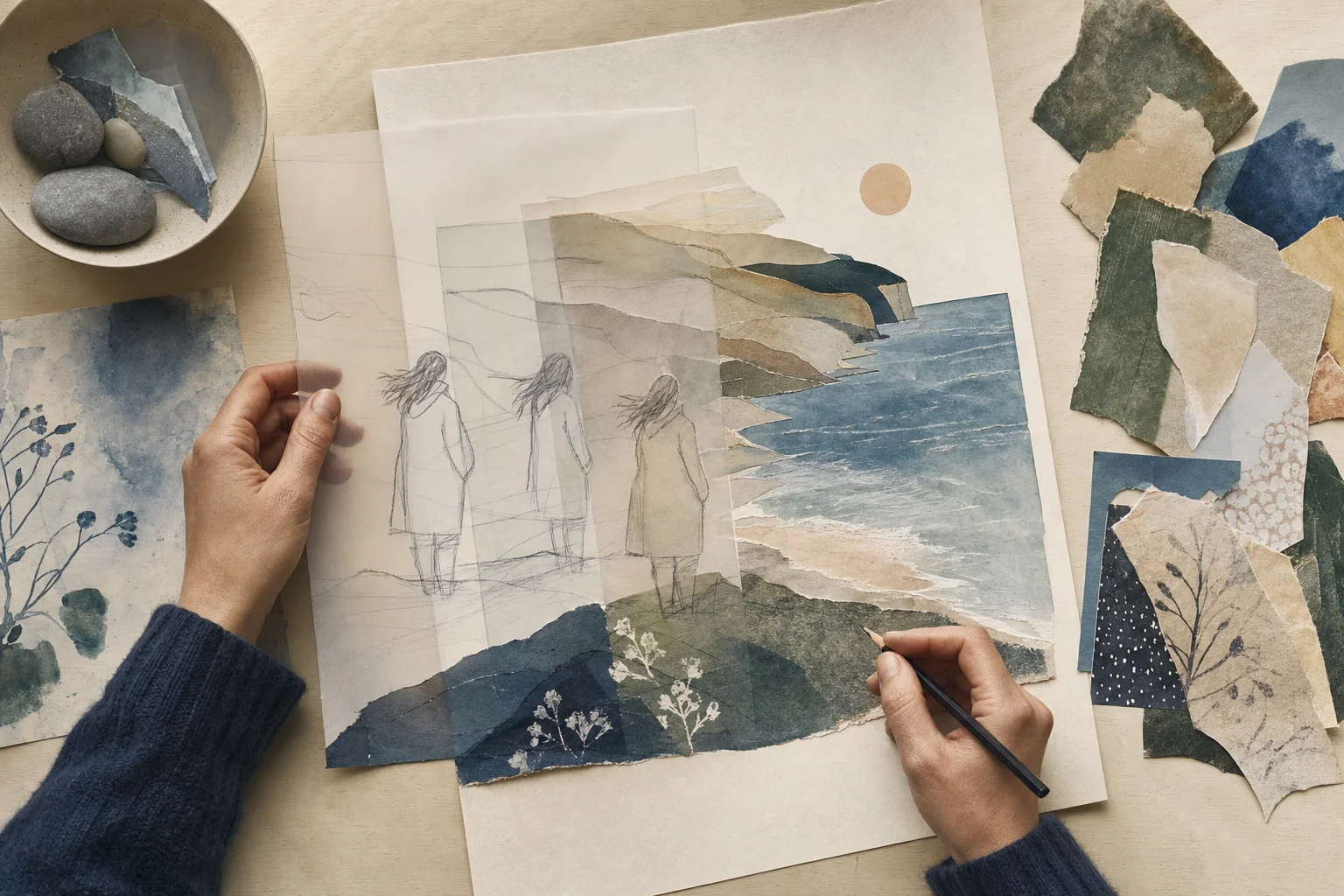
Keep your original material, working versions and final arrangement together to make your creative process easier to explain.
When you use a generative AI tool, the finished image, article or presentation may not show how it came together. Your sketches, original wording, edits and layout choices can be hard to identify in an exported file alone.
A practical record can help you explain your contribution. Keep your own material, the tool’s role and your changes distinguishable, and save dated versions as the work develops.
What copyright and evidence mean in Australia
In Australia, copyright protection begins automatically once an original work exists in material form, such as when it is written, recorded or otherwise fixed. A bare idea is not protected: copyright applies to the way an idea is expressed.
There is no official Australian copyright register, and a filing does not create copyright. A dated filing with an independent private service can help you establish authorship and when a version existed. Keeping evidence matters because, if a dispute arises, the party able to establish the earlier date is better placed.
AI-assisted projects can involve many versions and different contributions. A record can help you set out what you made and when, but it does not decide which elements qualify for protection under Australian law.
Keep the project trail, not just the finished file
Save your own starting material
Before using an AI tool, make a project folder and save your original writing, sketches, photographs, recordings or other material in its working format. Keep a readable copy as well.
Separate your work from reference material and other people’s contributions. For a poster, for instance, keep your hand-drawn subject apart from the brief and reference images, and note who made each item.
Save relevant prompts, uploaded inputs, outputs and settings. Where available, note the tool or model version and the session date. Keep copies of files rather than relying only on links in an online account.
Describe the tool’s role plainly: perhaps it proposed alternate wording or generated a background. If you no longer have an earlier exchange, note that it is missing rather than trying to recreate an exact transcript.
Show what you changed
Save a copy before making changes to generated material, then save another afterwards. Tracked changes can help with writing, layers can show image edits, and editable timelines can preserve audiovisual work. Add short notes about your own interventions.
Specific descriptions are more useful than general ones. You might note that you rewrote the final exchange and changed the narrator’s viewpoint, or identify the shapes you redrew and the textures you painted. Distinguish your manual edits from changes produced by another generation request. An edit count or percentage does not guarantee copyright protection.
Preserve choices and the finished arrangement
Keep examples of the alternatives you considered and note what you selected, rejected or combined. Save the editable final composition so its sequence, layout and relationship between elements can be examined.
For the poster, this might include layout sketches, candidate backgrounds and a layered file showing how you placed your drawing among selected elements. This records your process; it does not mean every selection or arrangement necessarily qualifies for copyright.
Write down who contributed what
At important stages, prepare a short contribution note. Include the project and version, contributors, relevant dates, AI-generated components and your own additions.
Link each point to a particular file or location, such as a paragraph, layer, scene or audio segment. Explain where your original material appears in the final work. Be accurate about what was created by you and what came from the tool. If you write the note later, distinguish the date you prepared it from the earlier events it describes.
Keep the US guidance in its own context
A 2025 report from the US Copyright Office discusses human contributions in AI-assisted works under US copyright rules. It says that AI use, or including AI-generated material in a larger human-created work, does not automatically prevent protection for qualifying human contributions. It identifies original input that remains perceptible, creative changes, and sufficiently creative selection or arrangement as possible contributions. The report does not extend protection to the underlying AI-generated material.
The report also says that prompts alone, given the generally available technology it examined, do not provide sufficient expressive control, and that simply choosing a generated result differs from creating a composition. Its conclusions are case-specific and are not a statement of Australian law.
For applications to the US Copyright Office, its guidance calls for disclosure of AI-generated content and an explanation of the human contribution. Material generated by AI that is more than de minimis must be excluded from the claim. This US registration process is separate from keeping evidence of a work’s date.
Give important versions a dated record
Consider preserving key milestones: your original input, a substantially revised version and the final composition. Include your contribution note and an index that identifies the supporting files.
Keep the dated certificate with the exact files deposited. Save later changes as new versions instead of replacing earlier records. A deposit can support your account of authorship and chronology; it does not create copyright or make otherwise unprotected material protected.
A quick check before you share
- Keep your original materials and identify their creators.
- Save relevant prompts, outputs and available tool details.
- Retain versions that show your changes.
- Record important selection decisions and preserve the editable composition.
- Write an accurate contribution note tied to particular files.
- Keep each dated certificate with the version it documents.
Protect your AI-assisted work by keeping dated evidence of your contribution. Explore our deposit options or deposit a website project.
Make your contribution easier to explain
You do not need to record every click. Focus on an organised trail from your starting material through meaningful changes to the finished composition. A clear record can help you explain what you created and when, without claiming more than the evidence supports.
Sources
Article written with the assistance of AI. General information, not legal advice.